A guest post by Elif Bayrak, founder of Artnap.
Disclaimer. This post is not sponsored. The only thing I received is review access to Artnap as a Pro user for one year.
Most museum websites were built for researchers. You can find a painting if you know its catalogue number. You can save it if you find the right button. On some sites that button is three clicks deep and labelled "IIIF manifest".
The files are superb. Getting them onto a wall is the hard part.
From a print shop to an archive
Artnap started in 2026 with that problem. We are a small independent studio in Turkey, and I came to it as a seller.
For years I have run a one-person shop on another platform, where I print and sell public domain artworks. Finding the pictures took more of my time than anything else. The famous ones are everywhere. The lesser-known ones, the ones I look for most, were scattered across dozens of museum sites.
I wanted them in one place where I could search and use them. My partner writes software, and we built that place together. It became Artnap.
An archive like this is possible because the museums had already done the generous part. The Rijksmuseum, the Metropolitan Museum of Art and the Art Institute of Chicago publish their public domain works with no restrictions. So do dozens of others. Some of the files are more than 10,000 pixels wide.
Today the archive holds more than 600,000 works from 73 museums and libraries. Each page links back to the museum's own record, so anyone can check where the image comes from and why it may be reused.
Collecting was the easy half
The records came in 73 different shapes. About 14,000 of them arrived with a catalogue code where the title should be.
Duplicates were worse. The same Monet turned up from three sources at three sizes, and one of the three was usually a tourist's photograph with the frame and a strip of gallery wall.
Software catches some of this. For the rest, a person sits at a screen and decides, one image at a time. Tens of thousands have been checked that way and the work is not finished.
What fits the screen?
Then came the question that readers of this site already know well: what fits the screen?
A Samsung Frame, and most digital frames, show a 16:9 picture. Very few old paintings have that shape.
Portraits are tall. Altarpieces are taller. Even landscapes tend to be closer to 4:3, which means black bars or a crop that cuts off the church tower.
So we measured every painting in the archive and pulled out the ones that are already close to 16:9.
They turned out to have things in common. There are many harbours and coastlines. There are wide Dutch river views by Cuyp and Canaletto's Grand Canal. There are also more oil sketches than we expected, including the one Seurat made for La Grande Jatte.
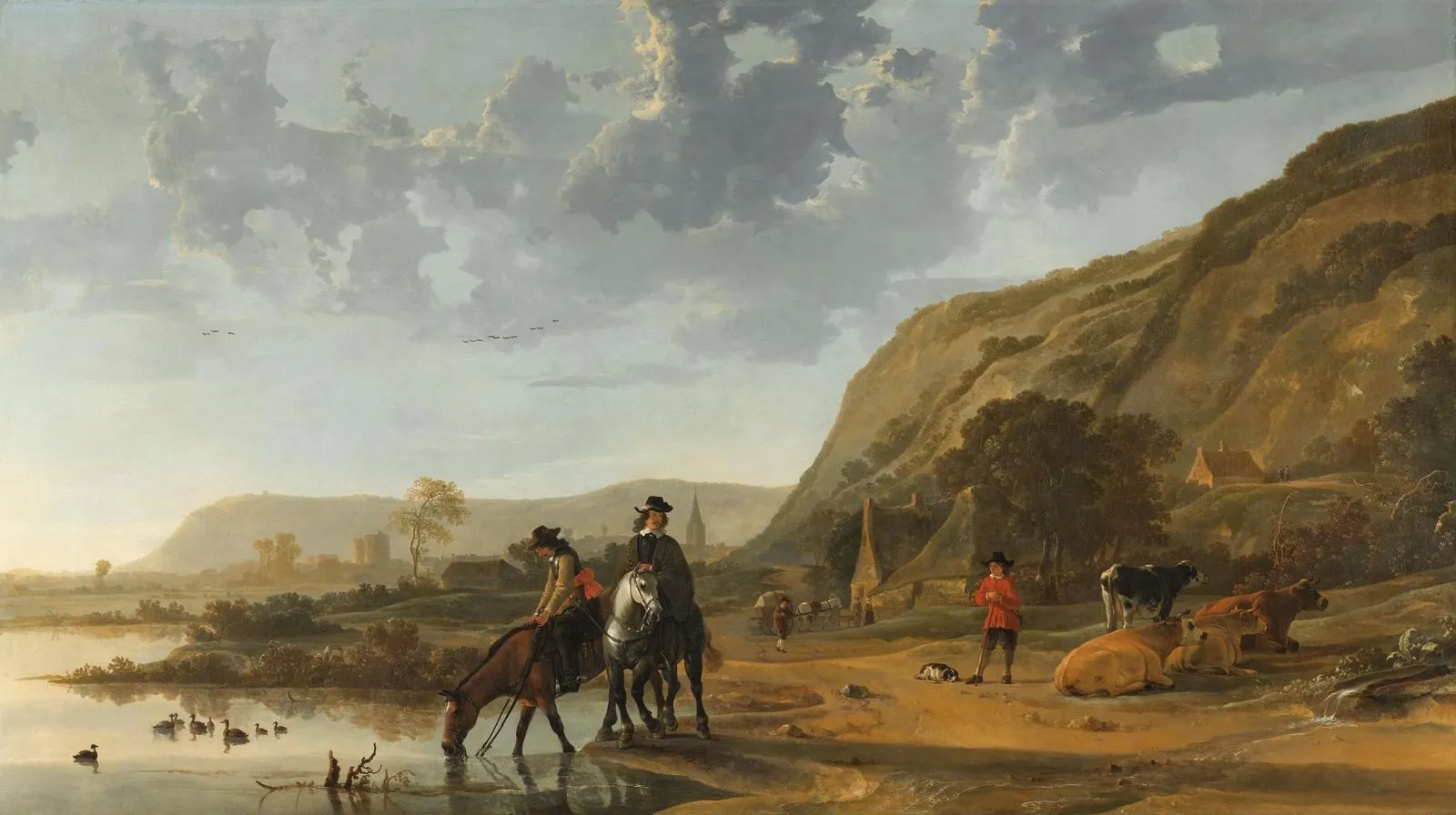
Aelbert Cuyp, River Landscape with Riders. Rijksmuseum, on Artnap.
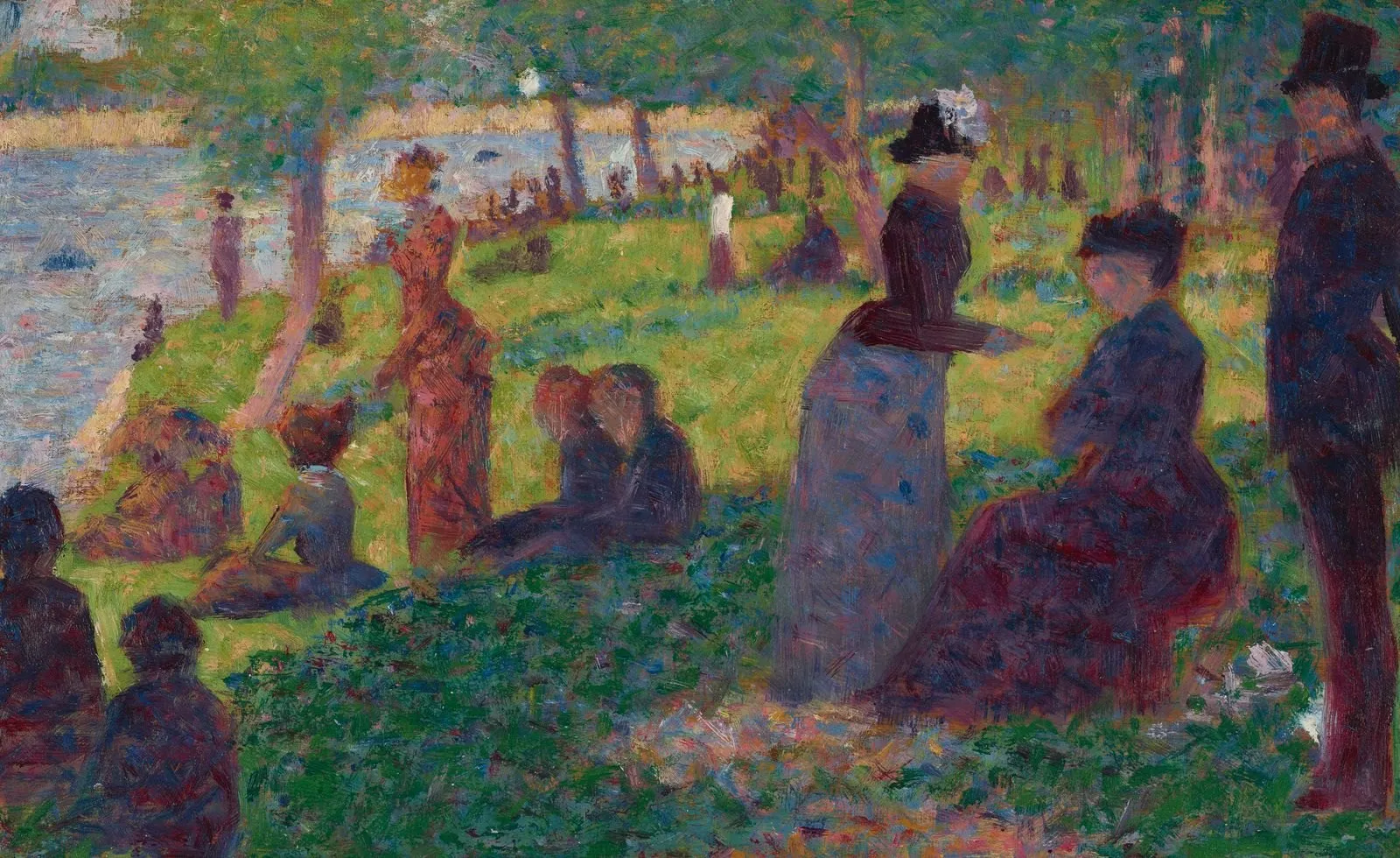
Georges Seurat, Oil Sketch for "A Sunday on La Grande Jatte". Art Institute of Chicago, on Artnap.
Painters reached for a wide canvas when the subject was a horizon.
Big enough for 4K
The second filter was size. The Frame shows 3,840 by 2,160 pixels. A file smaller than that gets scaled up, and you can see it in fine lines such as ship rigging. Every painting on our Frame TV page has a museum file at least 3,840 pixels wide.
How it works for a visitor is simple. Any work can be saved as a 2,500 pixel JPEG without an account or a watermark, and that costs nothing.
The paid plan is called Artnap Pro. It gives the museum's full master file. It also makes a ready TV file at 3,840 × 2,160, with a mat or without one. The subscription pays for the servers and for the hours at the review screen.
Three things we learned
A few things we learned that may save you time, whichever source you use:
Check the long side of the file before you send it to the TV. Anything under 3,840 pixels will look soft up close.
Soft brushwork forgives scaling. Monet at 2,500 pixels looks fine on a 55-inch screen. A Canaletto does not, because he drew every window.
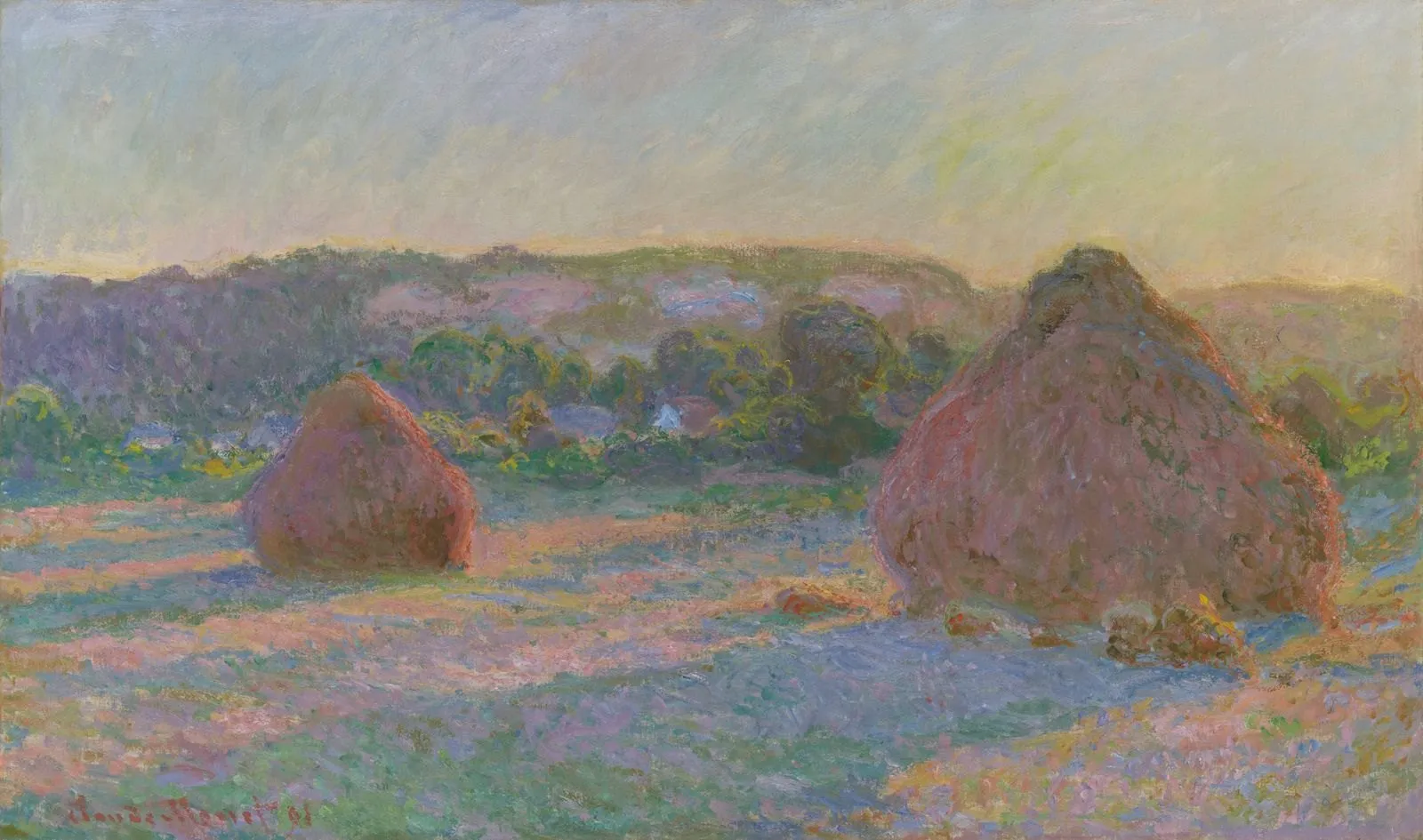
Claude Monet, Stacks of Wheat (End of Summer). Art Institute of Chicago, on Artnap.
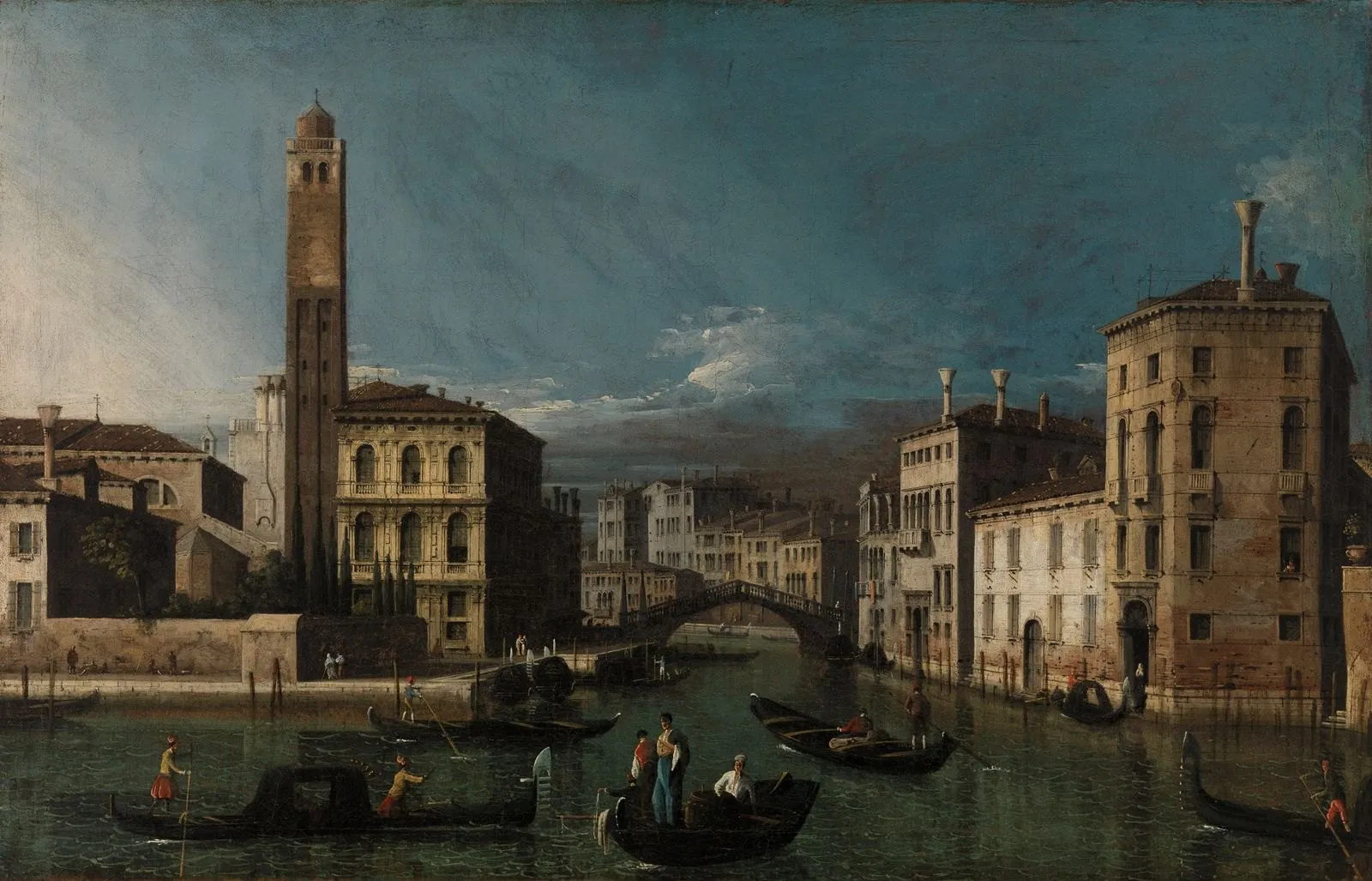
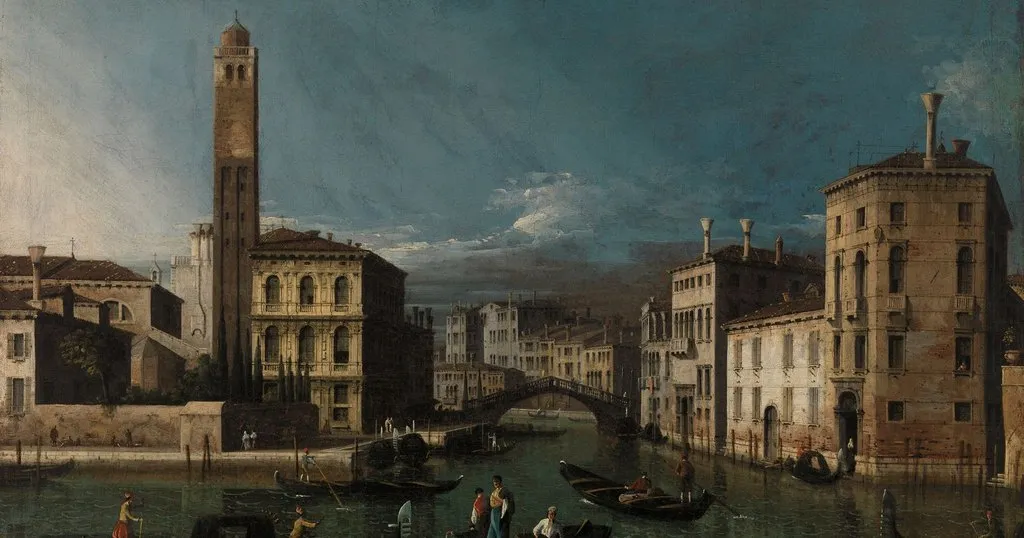
Canaletto, Grand Canal: San Geremia and the Entrance to the Cannaregio. Barnes Foundation, on Artnap.
If a painting is slightly off 16:9, use the mat in Art Mode instead of cropping. A crop removes the edges, and painters put things at the edges on purpose.
The page for 16:9 works is at artnap.com/frame-tv. If you find a painting that should be on it and is not, write to us.
Was this article helpful?
Thank you for your support and motivation.