It has been a while since I last wrote about Nixplay. I reviewed my first Nixplay frame in 2019 and my last one in the summer of 2021.
Now a new box has arrived. Inside is the Classic 10.1" HD Touch Screen, model W10P, which Nixplay currently sells as its bestseller.
Much of it feels familiar, and that is a good thing. Nixplay has also added a few clever features since my last review, and the way the cloud service is paid for has changed. I'll go through all of it.
My tests are unbiased. There are no financial donations to be disclosed, and this is not a sponsored article. Nixplay has supplied me with a review unit for this test, and that is all.
What has changed at Nixplay since my last review
In my 2021 review, I wrote that you don't need Nixplay's paid subscription unless you run more than five frames or want long videos. That has changed.
In April 2025, Nixplay restructured its plans. The free photo storage went down to 500 MB, after years in which a free account came with 10 GB or more. The free sync of a Google Photos album ended at the same time (more on that below).
Not everyone was happy about it. On Trustpilot, a number of long-time owners who had bought several frames, often as gifts for their parents, wrote that they felt the deal had changed after they had bought in.
I have some understanding for Nixplay here. Every photo you send to a frame is stored, processed and streamed, often to several frames in different countries, and that costs money every single month. A frame you pay for once can't cover those costs forever. In the end, a company that earns enough to keep its servers running is also the best guarantee that your frame keeps working in ten years.
Nixplay is not alone with this. Even Frameo, the free software that runs on many low-cost frames, has started charging for a cloud service with Frameo+. The direction across the industry is clear: cloud services cost money, and someone has to pay for them.
These are the plans today:
- Free (Nixplay Basic): 500 MB for photos, 500 MB for videos, clips up to 15 seconds, up to 5 frames, one shared album.
- $19.99 / €19.99 a year (only available in the app): 100 GB for photos, 5 GB for videos, one-minute clips, up to 10 frames, unlimited shared albums, one Dropbox album.
- Nixplay Plus, $29.99 / €29.99 a year: unlimited photo storage, 50 GB for videos, two-minute clips, up to 10 frames, unlimited Dropbox albums, and at least 25% off new frames.
How far does 500 MB go? That depends on your photos. With today's phone photos, it is a few hundred pictures.
If you want to show your whole family history, Nixplay Plus is the plan to go for. At $29.99 a year, that is about $2.50 a month for unlimited photos on up to ten frames.
The Classic 10.1 hardware
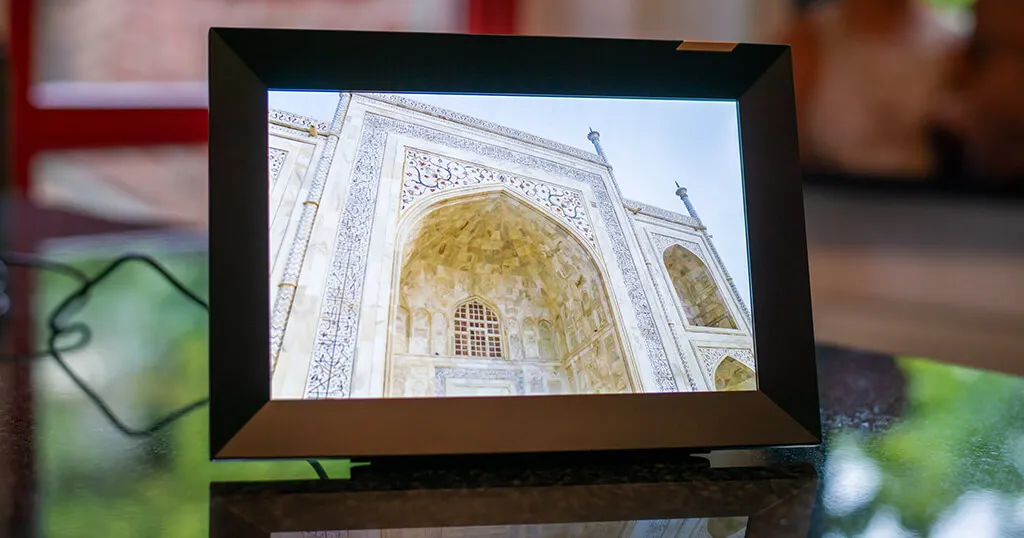
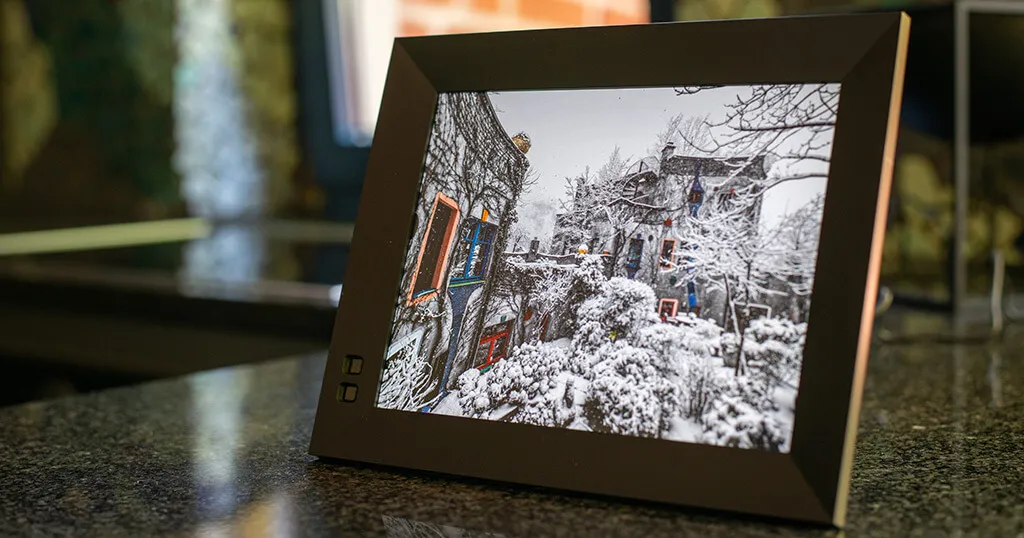
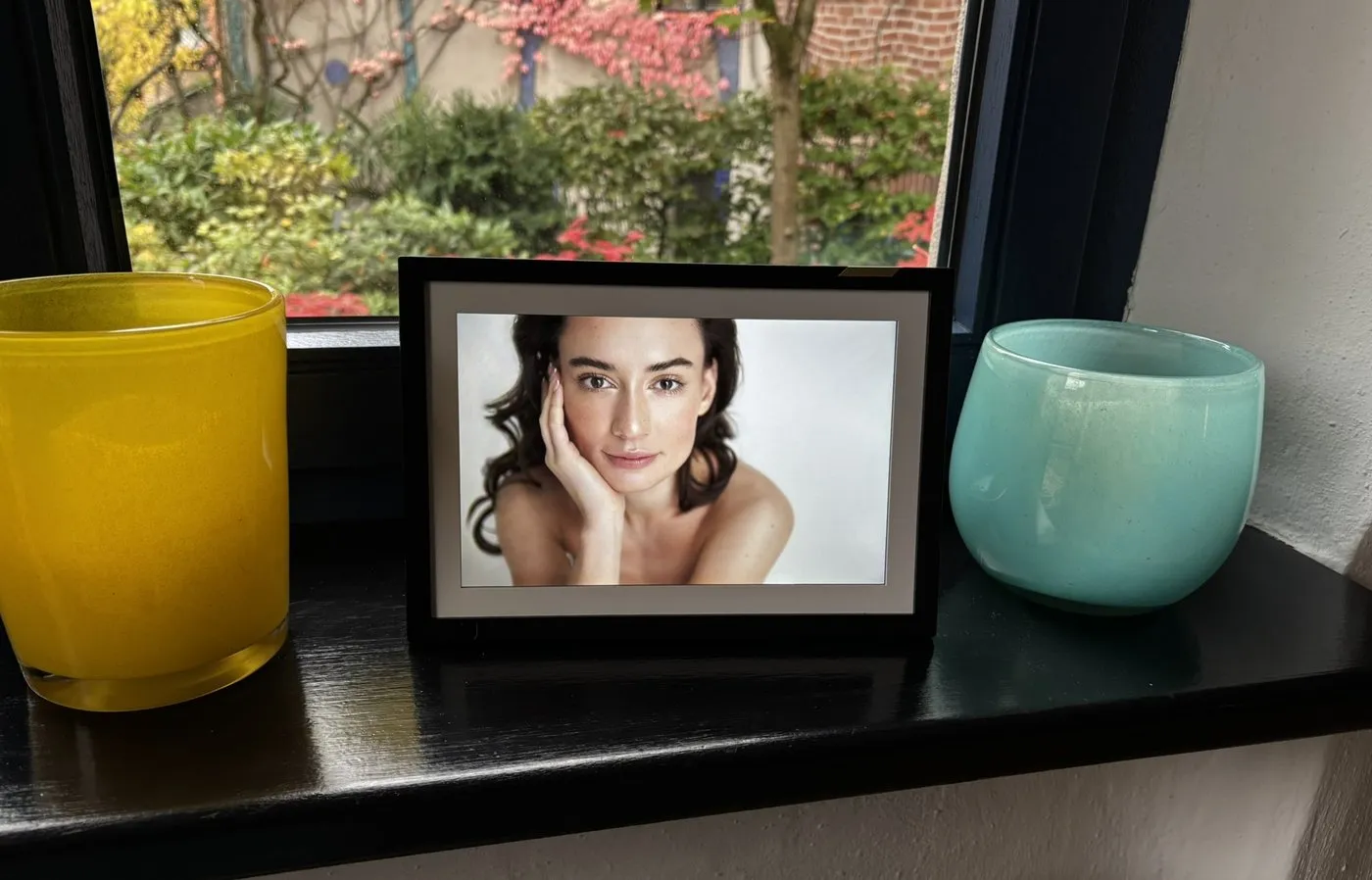
The Classic 10.1 really does look like a regular photo frame: a black outer frame with a white mat around the screen. At arm's length, you would not guess there is a screen in it.
The frame is light, and the stand slots into the back. You can place the frame in portrait or landscape orientation, and the picture rotates automatically. The Classic is made for a table or a shelf; it has no wall mount.
There is no SD card slot and no USB port for photos. Everything comes in over Wi-Fi, which is exactly what makes it so easy to send photos to a frame on the other side of the world.
A few things that are easy to miss:
- A built-in speaker, so videos play with sound.
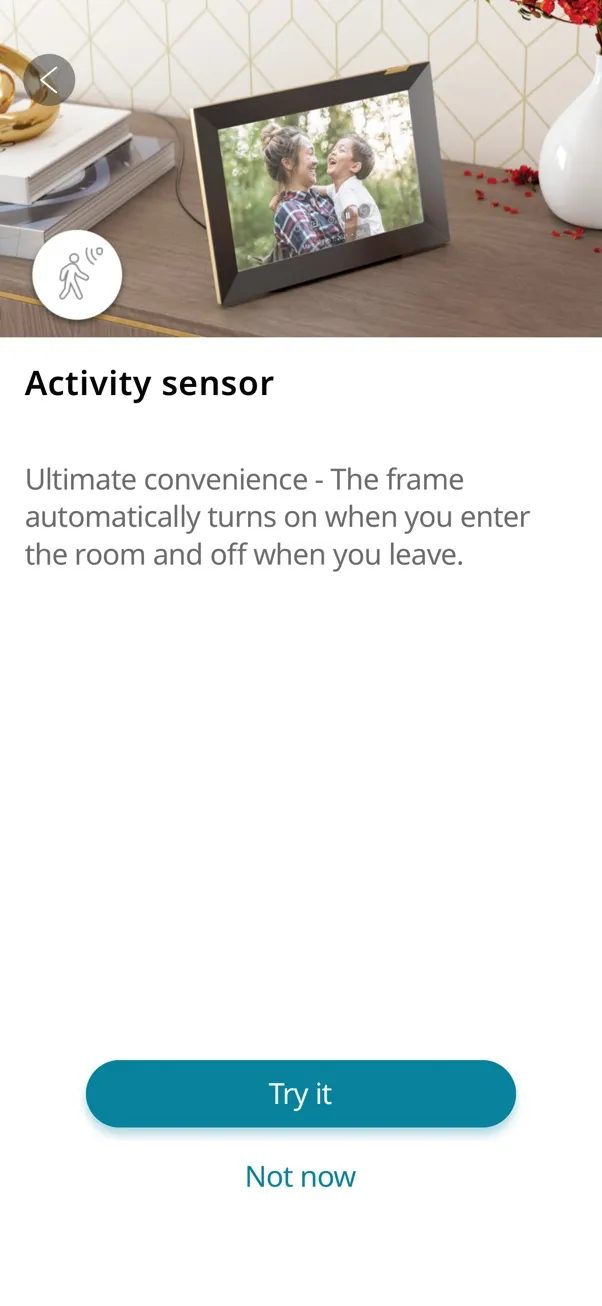
- An activity sensor. The app calls it a motion sensor; technically, it is a small microphone that notices when someone is in the room. The frame turns on when you come in and goes to sleep when you leave. Nixplay says it doesn't record anything. You can also set a fixed sleep schedule in the app.
- Low power use. TechRadar measured 5.6 W at full brightness and 1.1 W in standby.
The key specs:
- 10.1-inch IPS touch screen, 1280 × 800 pixels, 16:10 aspect ratio
- 268 × 188 × 37 mm
- Photos: JPG and PNG; videos: MP4, MOV and MPEG
- Wi-Fi, speaker, auto-rotate, activity sensor, works with Alexa
- Menus in English, German, French, Spanish, Italian and Japanese
- 1.8 m (6 ft) power cable
Display and touchscreen
The screen has 1280 × 800 pixels. That is the standard resolution for 10-inch frames in this price range, and for family photos viewed from a normal distance, it works well. If you have used a frame like the Aura Carver with 1920 × 1200 pixels, you will notice the difference up close. Most people won't.
I like the 16:10 aspect ratio. It is close to the 3:2 of a camera photo, and portrait shots from a phone don't lose too much when the frame is turned upright.
The screen surface is matte, which takes the edge off reflections.
In 2021, I found Nixplay's touch implementation one of the best I had used, with typing as accurate as on an iPad. As with every touchscreen frame, you will see the odd fingerprint, but it wipes off quickly.
The Nixplay software
The software was always the main reason I recommended Nixplay to friends and family, and that hasn't changed. Over the years, I have tested frames from many brands, and Nixplay's app and on-screen menus are still better than most of what I see in the industry. Many frames come with an app that feels like an afterthought. With Nixplay, you can tell that software has been the focus from day one. Setup is quick: download the app, plug in the frame, connect it to Wi-Fi on screen, and confirm the pairing.
There are a few new features since my last review.
The one I like most is gift preloading. If you order the frame as a gift, you can add photos, videos and a welcome message in the app before it ships. Nixplay sends it in a gift box without a price tag. When grandma plugs it in and connects it to Wi-Fi, the photos are already there. For a frame that is often bought for parents and grandparents, that is a really nice idea.
The frame now also uses what Nixplay calls AI smart-centering. It finds the faces in a photo and crops it so that the faces stay in the picture when the frame fills the screen.
What has stayed the same is the excellent remote management. The app shows each frame on one clear control screen: play, pause and skip, volume and brightness, the sleep schedule, the motion sensor, which album plays, how long each photo stays on screen, and the transition. It works for any frame connected to your account, wherever it is. If you look after a frame for someone less technical, this is worth a lot.
When you turn on the motion sensor, you choose how quickly the frame goes to sleep once the room is empty, from 15 seconds to several hours.
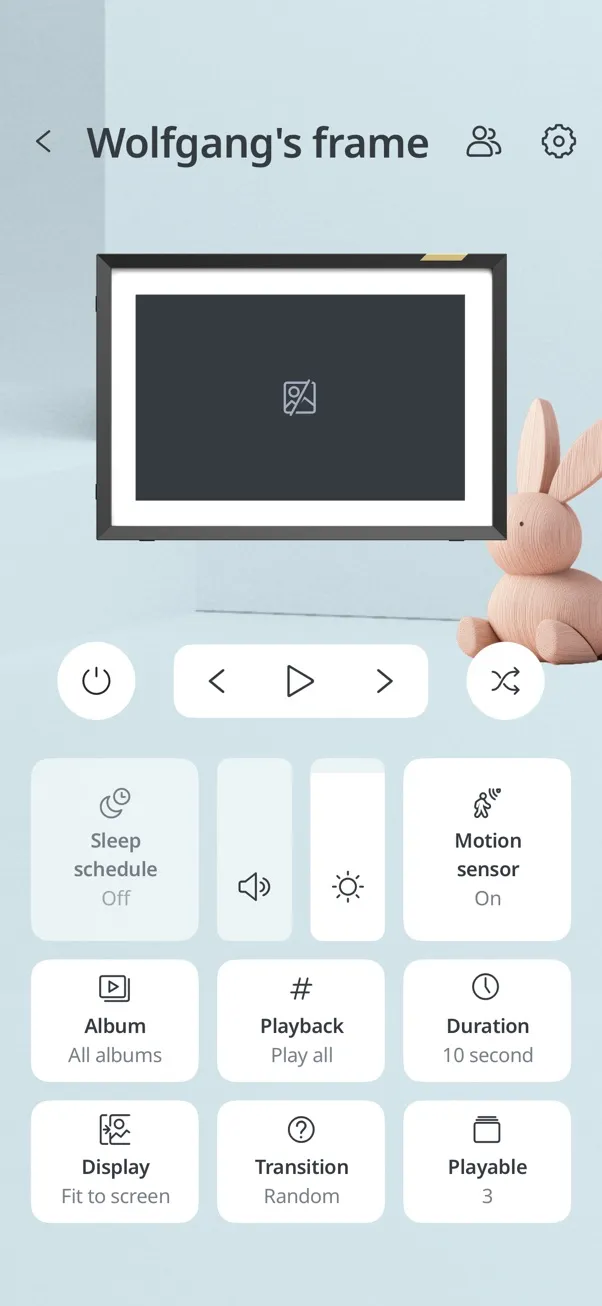
There are 11 transitions, from a gentle crossfade to more playful effects.
Looking ahead, I'm curious to see what AI coding tools will do for frame software. Writing and improving apps has become much faster in the last two years, and smaller teams can now build things that used to need a whole department. I hope this means we will see even better frame software in the coming years: smarter photo selection, easier setup, and fewer rough edges across the whole industry.
Where your photos come from
On the free plan, you can add photos from the Nixplay app on iOS and Android, from the web app, and by email. Each frame gets its own email address, so family members can send photos without installing anything. That is still one of my favourite Nixplay features.
With a paid plan, you can also import from Instagram, Dropbox, Facebook and Alexa. Google Photos is no longer mentioned in the plan comparison, and there is still no direct link to Apple Photos.
I think the missing Google Photos sync has less to do with Nixplay than with Google. On 31 March 2025, Google changed its Photos Library API so that outside apps can only see the photos they uploaded themselves. A frame can no longer simply follow an album in your Google Photos library and pick up new pictures automatically. Instead, you have to select the photos by hand each time. That saddened a lot of users around the world, and it hit other frame makers like Aura as well. So this is not Nixplay's fault.
You can also play your albums on a supported smart TV with NixCast, which is a nice way to show holiday photos to the whole family at once.
Conclusion
The Nixplay Classic 10.1 is a well-made, no-fuss frame. It looks like a real photo frame, the software is still better than most in the industry, and gift preloading makes it one of the best frames to send to parents or grandparents far away.
If I could wish for one thing, it would be a sharper screen in a future model. For everyday family photos, though, the 1280 × 800 display does the job.
The list price is $189.99, and Nixplay often has offers. At the time of writing, nixplay.com has up to $30 off, and nixplay.de runs a buy-one-get-one-free offer on 8" and 10.1" frames. If you want more than a few hundred photos on the frame, add Nixplay Plus for $29.99 a year.
For families who want to share photos across distances without any technical hassle, the Nixplay is still an easy recommendation. You can find the frame on the Nixplay website.
(Photos: Wolfgang)
Was this article helpful?
Thank you for your support and motivation.